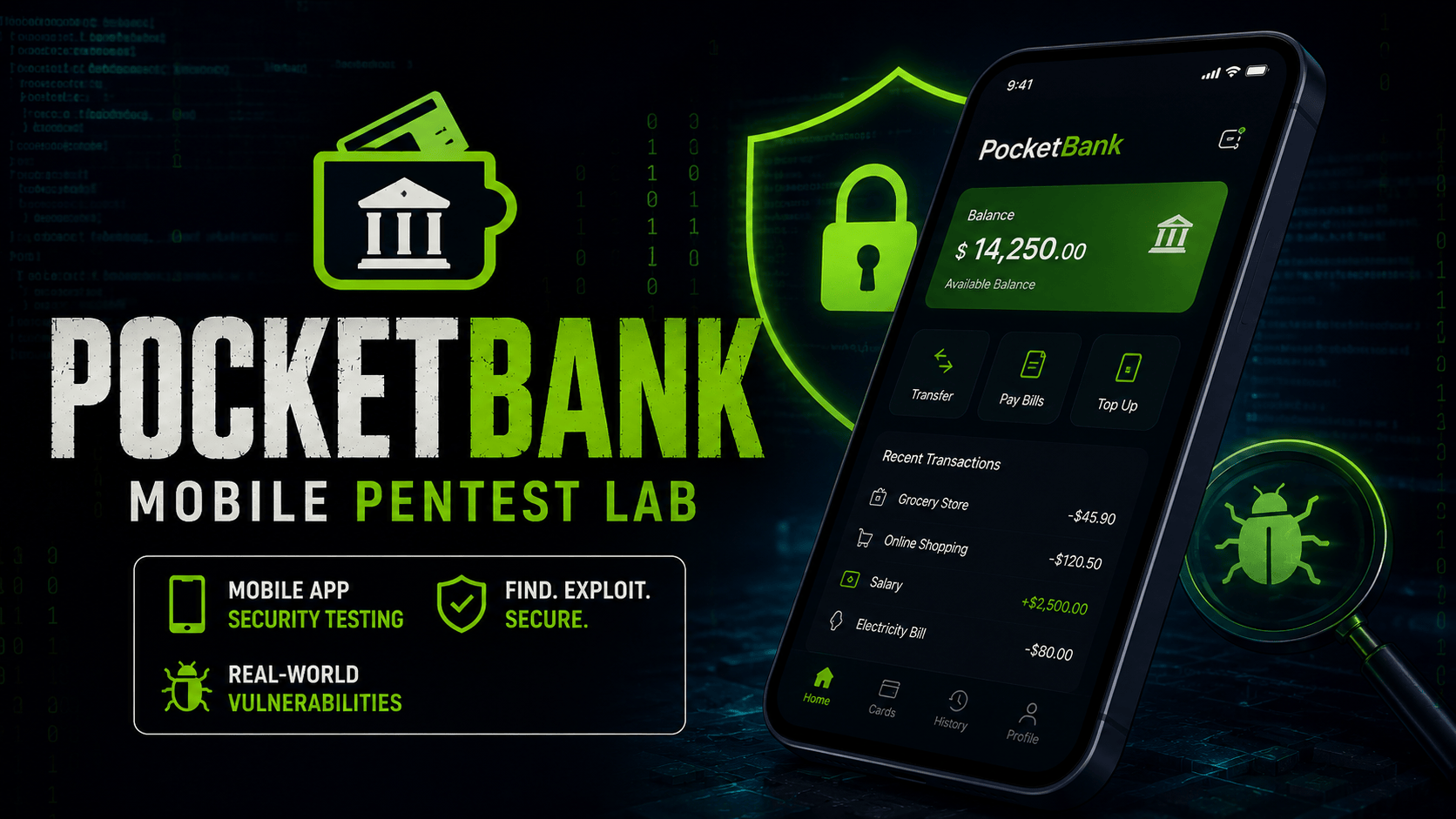
PocketBank Mobile Pentest Lab
Mobile Hard 500 pts

PocketBank Mobile Pentest Lab

PocketBank Mobile Pentest is a hard mobile security CTF machine built around a beta Android banking application and its companion API.

Players start from a realistic browser-based mobile app simulator and bundled decompiled Android artifacts. The challenge path covers static analysis, insecure local storage, leaked mobile configuration, weak transport settings, broken object authorization, debug OTP behavior, debug log exposure, path traversal, mass assignment, JWT abuse, and server-side request forgery into an internal mobile signing vault. The advanced track continues into modern mobile testing scenarios: client-side attestation trust, biometric assertion replay, GraphQL introspection and resolver authorization bugs, WebView JavaScript bridge origin bypass, OAuth PKCE downgrade, and idempotency replay.

Skills covered:

  • Android artifact review
  • Hardcoded credential discovery
  • Insecure local storage analysis
  • Mobile API authentication
  • IDOR testing
  • OTP bypass testing
  • Debug endpoint discovery
  • Path traversal
  • Mass assignment
  • JWT alg=none abuse
  • SSRF to internal services
  • Client-side device attestation bypass
  • Biometric replay testing
  • GraphQL introspection and resolver BOLA
  • WebView JavaScript bridge origin validation
  • OAuth PKCE downgrade testing
  • Idempotency replay and business logic testing
1
Static Android Analysis
Start by reviewing the decompiled Android artifacts exposed by the lab. Mobile apps often leak useful information through bundled JSON config files, SharedPreferences data, manifests, network security configuration, and decompiled source code. Identify the app's API target, leaked credentials, and local storage mistakes before testing the backend.
Q1. Submit the insecure local storage flag. flag +20 pts
Review the SharedPreferences artifact.
Q2. What username is leaked in the mobile configuration?
Look inside the supportUser object.
Q3. Which file contains the leaked mobile support credentials?
Open the artifact named like an app configuration file.
Q4. Submit the static analysis flag. flag +20 pts
The flag is in the bundled mobile configuration JSON.
2
Mobile API Authorization
Authenticate as the leaked mobile user and inspect how the API handles user identifiers. A common mobile backend issue is trusting client-supplied IDs instead of enforcing object ownership server-side. Change IDs in profile and transfer requests to test for broken object level authorization.
Q1. Submit the profile IDOR flag. flag +30 pts
Try requesting user ID 102 after authenticating as the leaked user.
Q2. Submit the transaction IDOR flag. flag +30 pts
Change the user_id query parameter on the transfers endpoint.
Q3. Which API weakness exposes another user's profile? +10 pts
The issue is also known as broken object level authorization.
3
OTP And Debug Exposure
Mobile QA and debug behavior should never be reachable in production builds. Inspect the decompiled authentication code and backend debug features to find the OTP bypass and exposed operational logs.
Q1. Submit the OTP bypass flag. flag +30 pts
Send the debug OTP value to the OTP verification endpoint.
Q2. Submit the debug log OTP flag. flag +20 pts
Read the default mobile API log file.
Q3. What OTP code is accepted by the debug bypass? +10 pts
The decompiled auth repository reveals the debug OTP behavior.
Q4. Which endpoint exposes debug logs? +10 pts
Look for legacy debug or log functionality in the API.
4
Path Traversal And Mass Assignment
Backend debug tooling often becomes dangerous when it accepts file names or JSON fields from the client without strict validation. Test whether the log reader can access files outside its intended directory, then check whether the profile update endpoint accepts sensitive fields such as role.
Q1. Which JSON field can be abused for mass assignment? +10 pts
Profile updates should not allow privilege-related fields.
Q2. Submit the mass assignment flag. flag +40 pts
Update your profile while including an admin role value.
Q3. Submit the path traversal secret flag. flag +40 pts
Try traversing from the debug log directory into the secrets directory.
5
JWT And Internal Vault
Advanced mobile API testing includes checking token validation and backend-only features. Test whether the API accepts unsigned JWTs, then inspect features that cause the server to fetch a URL. Use the receipt export feature to reach the internal mobile signing vault.
Q1. Submit the admin JWT bypass flag. flag +40 pts
Use an unsigned token with an admin role claim.
Q2. Which feature is abused to reach the internal mobile vault? +10 pts
Find the feature that asks the backend to fetch a URL.
Q3. Submit the final vault flag. flag +50 pts
Use the receipt export endpoint to fetch the localhost-only vault endpoint.
Q4. Which JWT algorithm is accepted without a valid signature? +10 pts
Forge a token header that disables signing.
6
Advanced Client Trust Bypass
Modern mobile apps often depend on device integrity checks and biometric step-up prompts. These controls are only meaningful when the server verifies fresh, signed, server-bound evidence. In this task, review the advanced mobile artifacts and test whether the backend trusts client-generated attestation and replayable biometric assertions.
Q1. Which debug override string is accepted by the device trust flow? +10 pts
Inspect DeviceTrustManager.kt or advanced_config.json.
Q2. Submit the biometric replay flag. flag +45 pts
The cached biometric payload contains the challenge ID and signature.
Q3. Submit the client attestation trust flag. flag +45 pts
Send client-controlled attestation JSON with successful integrity values.
7
Advanced GraphQL Testing
GraphQL APIs often expose more structure than REST APIs. Introspection can reveal hidden types and sensitive resolvers, and resolver-level authorization must still enforce user ownership. Test the GraphQL endpoint for introspection and object authorization flaws.
Q1. Submit the GraphQL resolver BOLA flag. flag +45 pts
Query executiveCards with userId 103.
Q2. Which GraphQL meta-field reveals schema information? +10 pts
Use an introspection query.
Q3. Which user ID exposes the executive card data? +10 pts
The advanced GraphQL artifact shows the sensitive query shape.
Q4. Submit the GraphQL introspection flag. flag +35 pts
Send an introspection query to /api/v2/graphql.
8
Advanced WebView And OAuth
Mobile WebViews and OAuth redirect flows are common sources of high-impact issues. Weak origin validation can expose native bridge methods, while legacy OAuth behavior can downgrade PKCE protections. Review the WebView and OAuth artifacts, then test the companion API behavior.
Q1. Submit the WebView bridge flag. flag +45 pts
Use an origin string that contains pocketbank but is not a trusted domain.
Q2. Which PKCE method is incorrectly accepted by the legacy OAuth flow? +10 pts
Review OAuthRedirectActivity.kt.
Q3. Which bridge action exposes the secure note? +10 pts
Inspect RewardsWebViewActivity.kt or advanced_config.json.
Q4. Submit the OAuth PKCE downgrade flag. flag +45 pts
Exchange the debug mobile auth code using plain PKCE.
9
Advanced Business Logic Replay
Idempotency keys should prevent duplicate processing of sensitive operations. If the backend records but still processes repeated keys, attackers can replay payment, rewards, or wallet operations. Test the rewards redemption endpoint with the same campaign key more than once.
Q1. Which idempotency key is reused by the rewards campaign? +10 pts
Inspect RewardsRepository.kt or advanced_config.json.
Q2. Submit the final idempotency replay flag. flag +60 pts
Send the same rewards redemption request twice.
Submit Flag